DIEGETIC UI PROPS
These are two diegetic UI pieces I designed and illustrated for an interactive simulation eLearning course aimed at middle school students learning about concussions. Both props had to be designed to match the illustrated backgrounds of the course, which had a specific style and color palette to match.
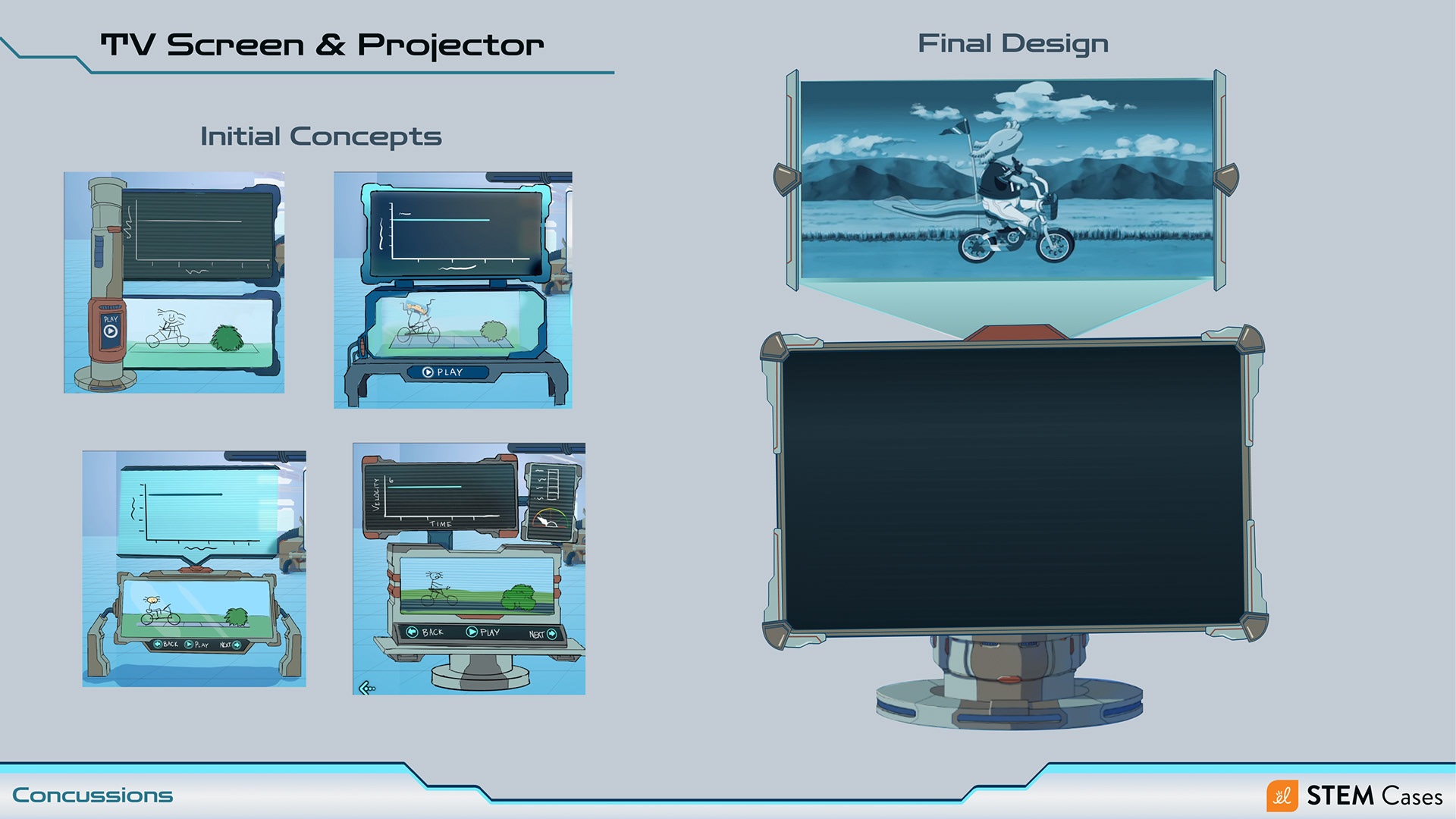
TV & Projector
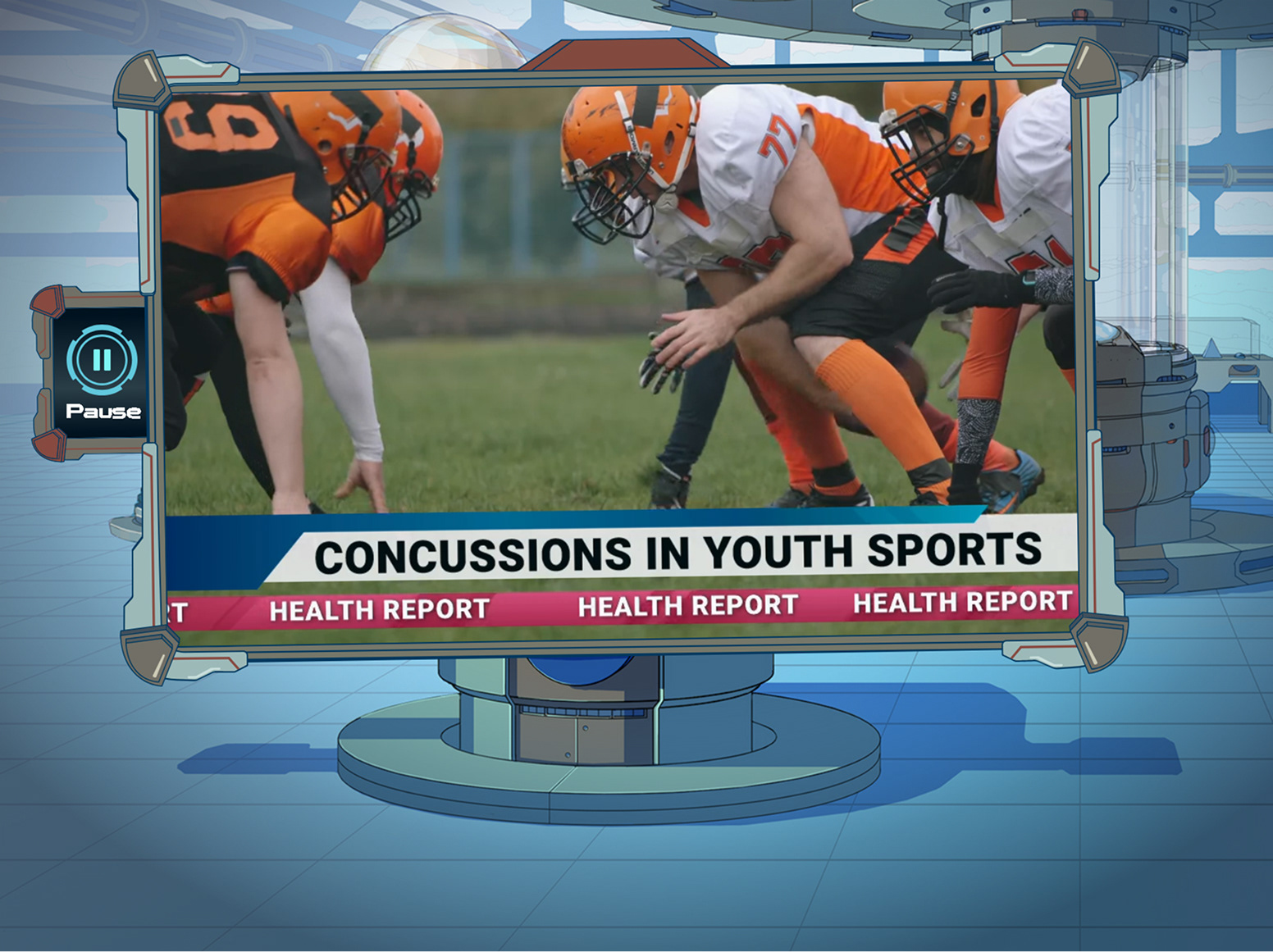
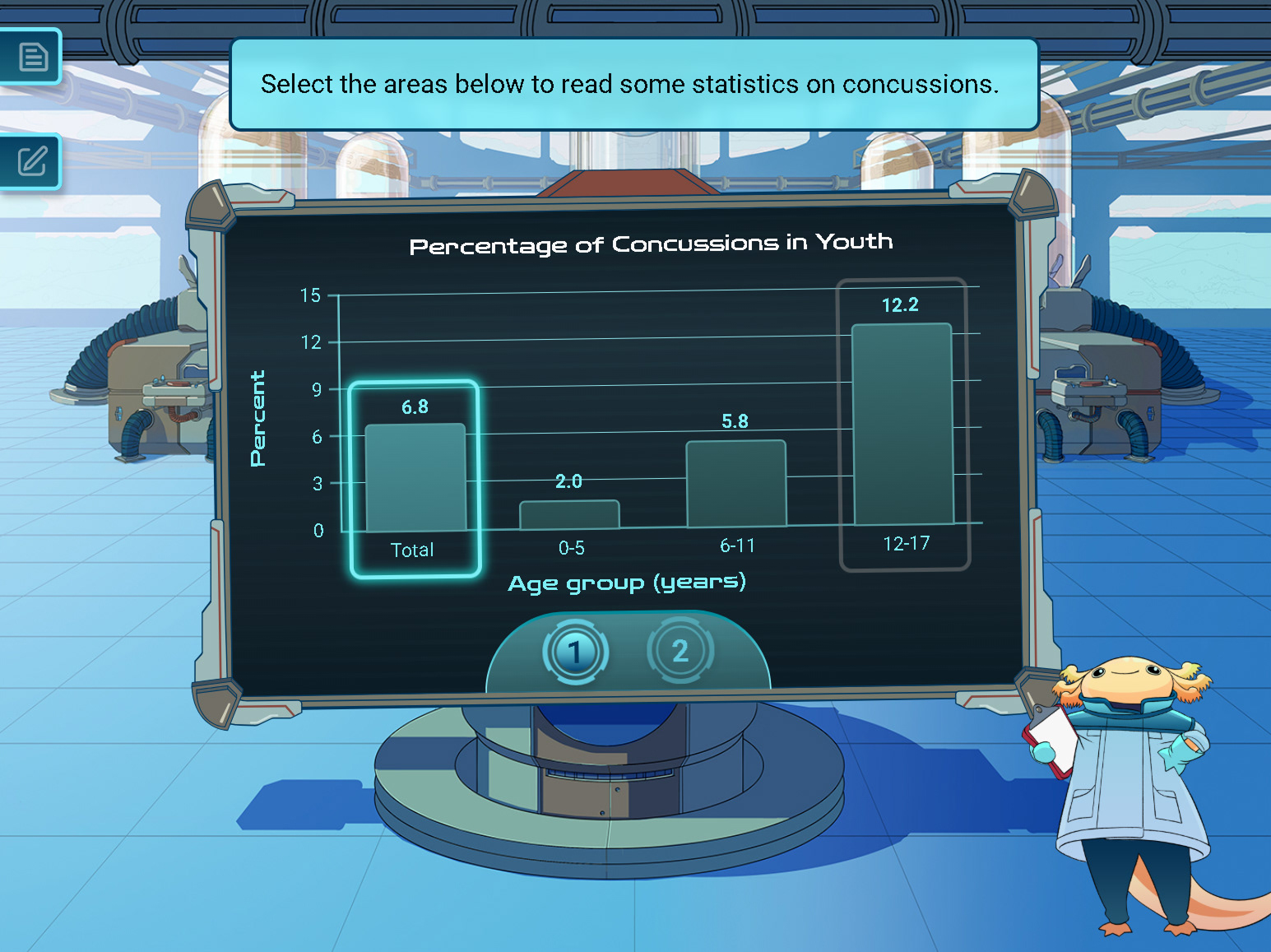
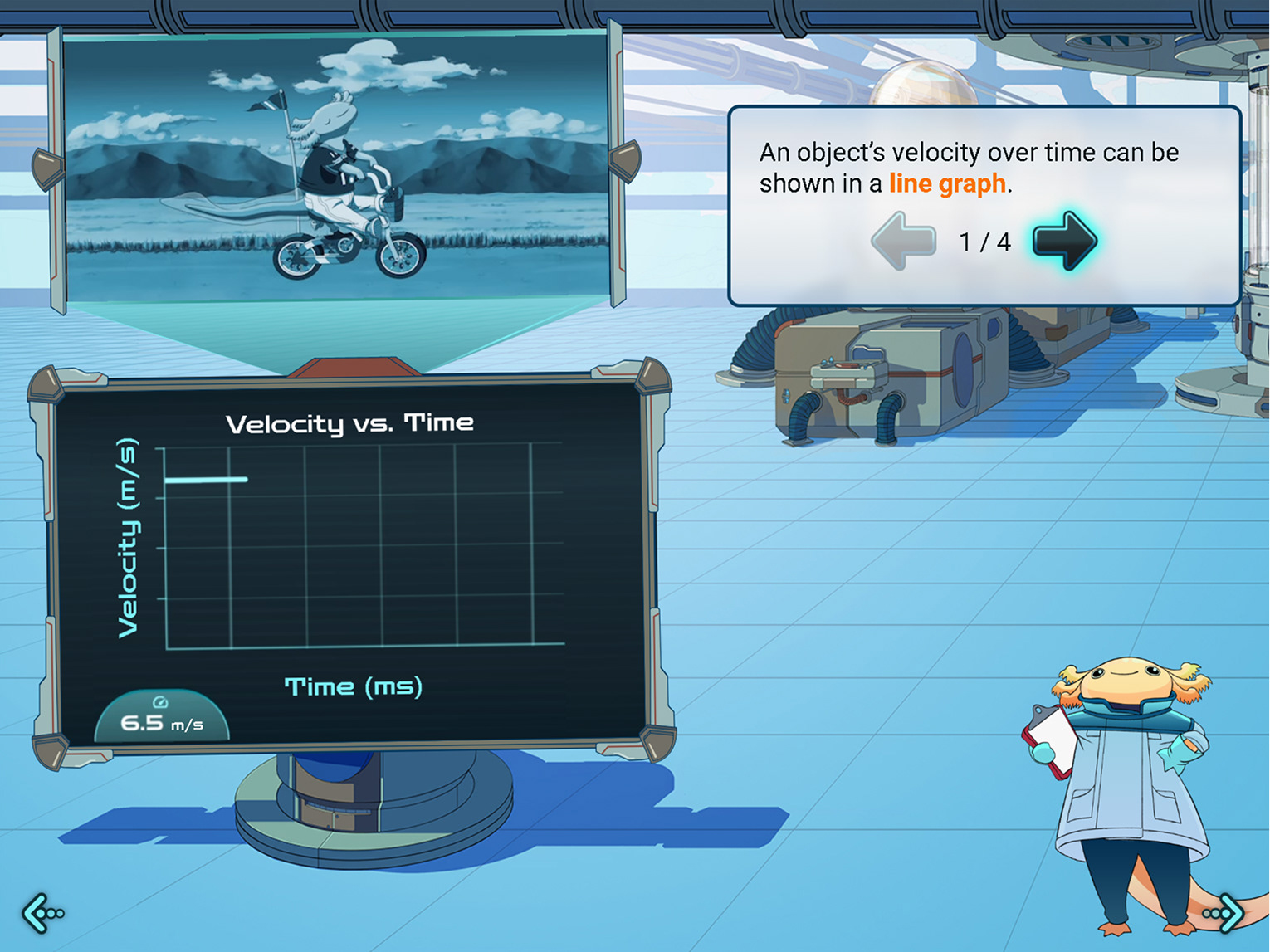
The TV & Projector were designed to house a number of different illustrations, videos, and graphs through the course, allowing for on-screen buttons to appear and be pressed by the user. Beyond that functional requirement, it had to also fit in the same visual universe as the background and other props designed for this course. I kept in close contact with the art director and 2D illustrators during group check-ins to ensure our designs matched aesthetically.
The TV & Projector were designed to house a number of different illustrations, videos, and graphs through the course, allowing for on-screen buttons to appear and be pressed by the user. Beyond that functional requirement, it had to also fit in the same visual universe as the background and other props designed for this course. I kept in close contact with the art director and 2D illustrators during group check-ins to ensure our designs matched aesthetically.
Cranium Crusher
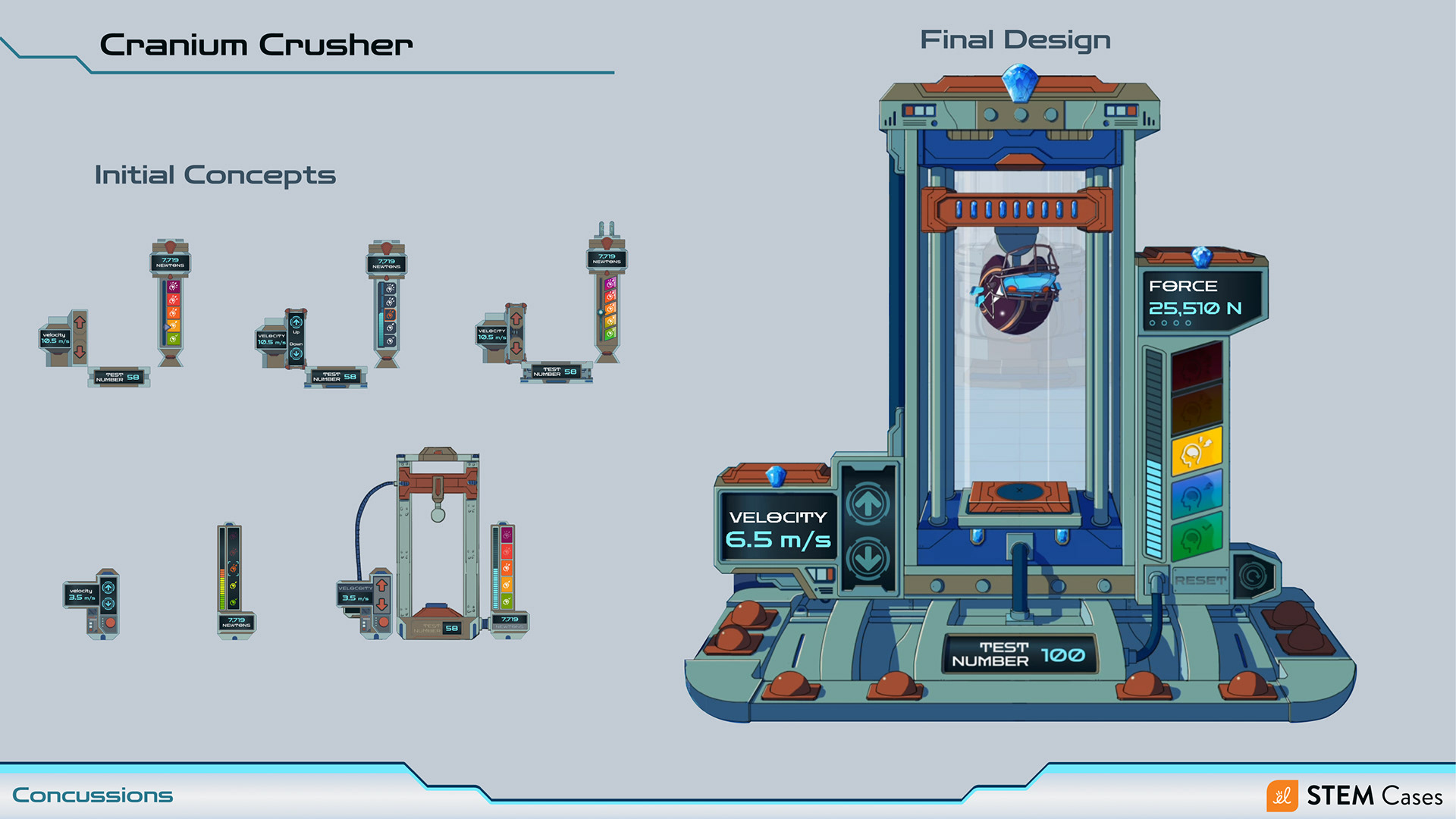
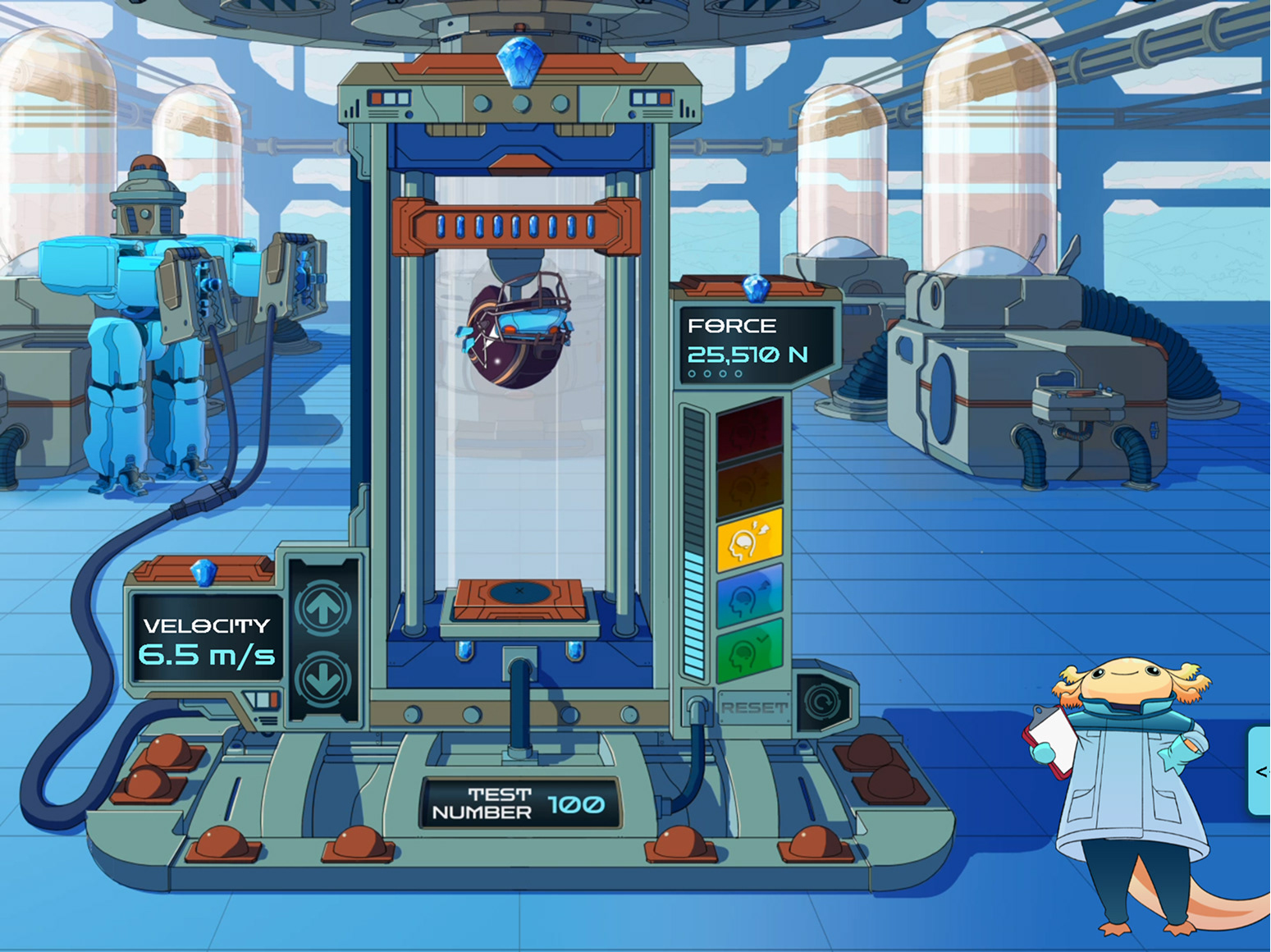
The cranium crusher was the main simulation piece of the course, where the student got to do multi-impact tests on helmets. It had a lot of moving parts, as it had its UI elements where the user would interact, but also had motion elements where it would be animated by an animator in After Effects. The production of this prop was a fantastic group effort between me as the UI designer, a 2D illustrator, an animator, and the sound engineer.
The cranium crusher was the main simulation piece of the course, where the student got to do multi-impact tests on helmets. It had a lot of moving parts, as it had its UI elements where the user would interact, but also had motion elements where it would be animated by an animator in After Effects. The production of this prop was a fantastic group effort between me as the UI designer, a 2D illustrator, an animator, and the sound engineer.
For the initial design, the 2D illustrator and I collaborated closely on iterating different parts of the prop. She handled concepting for the chamber and powering device, while I handled concepting for the user input part and the output measurements. Together, we combined our concepts, met with the art director, and refined further until we got the finalized design and delivered that rendering to the motion designer and the audio engineer, who then brought it to life on the screen with great animations and sounds.
Finalized screens
SEE THE CRANIUM CRUSHER IN ACTION!